
Document ID: 05282019
Purpose
This article describes how to troubleshoot Trip History related issues.
Audience
This article is for service provider agents assisting customers with Trip History related issues.
Details
Note: Using T-Mobile US Sync Up drive as the reference for screenshots. The details are the same for all providers
For issues when customers are browsing trip history in the App:
- Make sure that the customer has installed the latest version of the App
- Make sure there is a stable network connection from the App to the Internet
- If there is an error displayed, such as "Unable to Connect", please navigate away from the Trip History page. Try to restart the app again and start over with browsing the trip history.
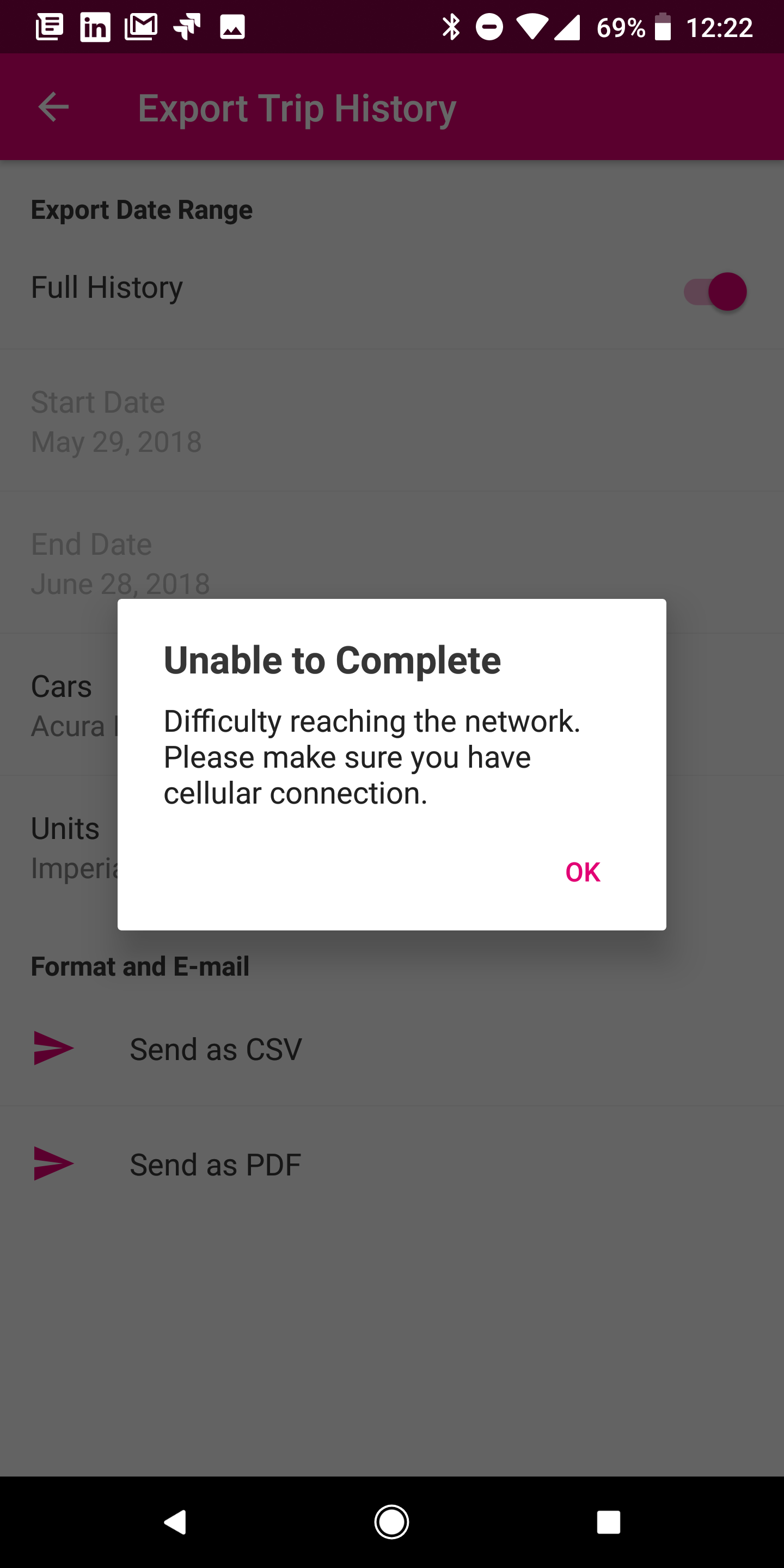
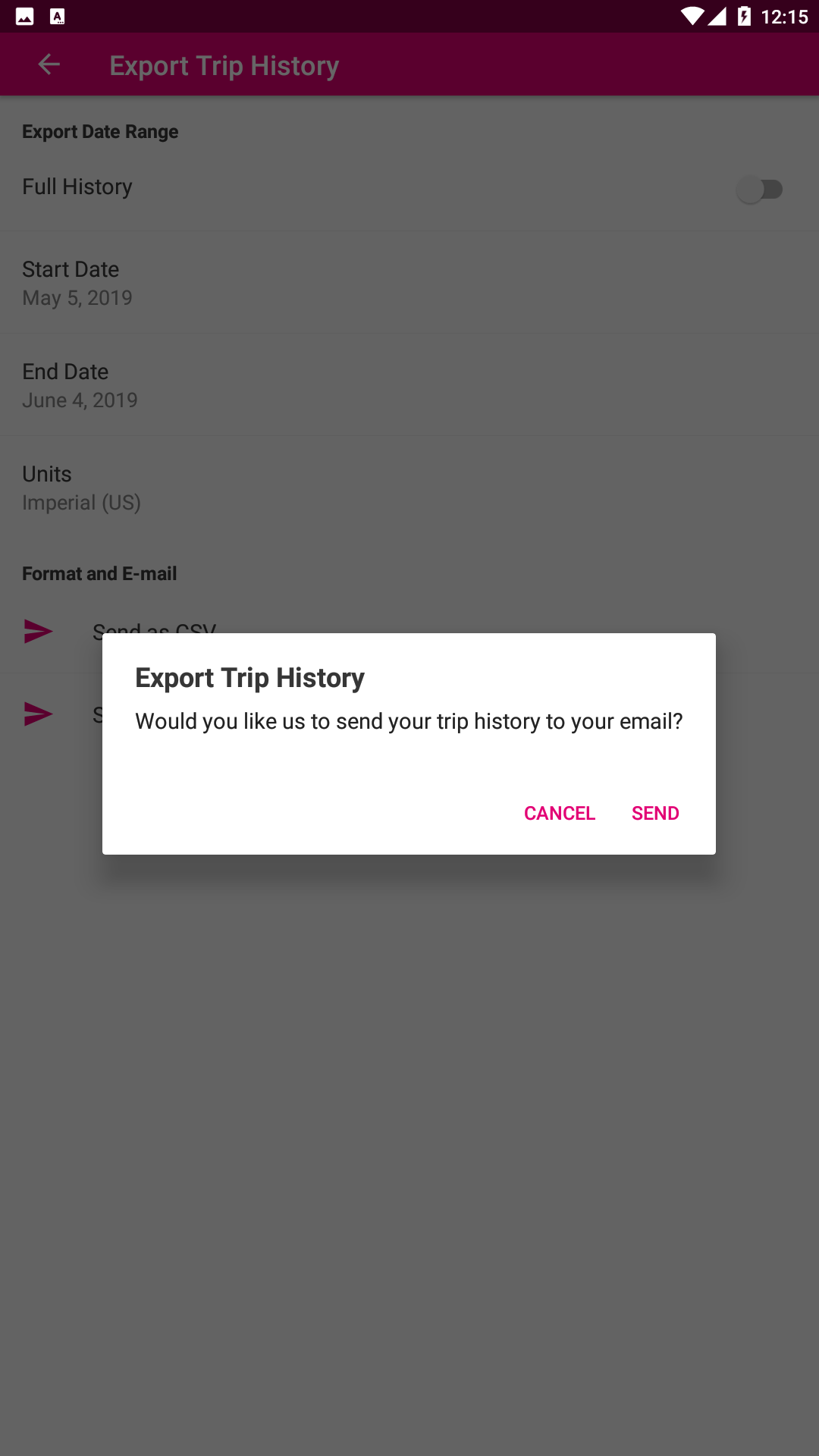
For issues when exporting trip history in the App:
- Make sure the latest version of the App is installed
- Make sure there is a stable network connection from the App to the Internet
- Make sure the email used in the SyncUp Drive app is the one the user is checking for the trip export report
- If there are any errors selecting a period to export or a vehicle to export the trips from, please take notes and escalate to Mojio

- If trips are missing from the report, please escalate to Mojio
What and When to escalate to Mojio:
- If the error is displayed consistently, regarding trips for a vehicle in particular, please take notes and escalate to Mojio
- If the problem is related to the order of the trips in the App, please escalate to Mojio
- If the problem is with missing trips from history, recommend to export the trips and check the resulting file. If the trips continue to be missing there, please escalate to Mojio
Comments
0 comments
Please sign in to leave a comment.